
Home > Configuration Portal > Requisition Configuration > Manage Jobs
Manage Jobs
The Job hierarchy module helps you define and maintain standardized job records used in requisition workflows, so recruiters can create requests with accurate role information.
To add a new job, you can create from scratch or copy an existing job. You can also add multiple jobs via import. For details, refer to:
For the existing jobs, you can perform the following actions:
-
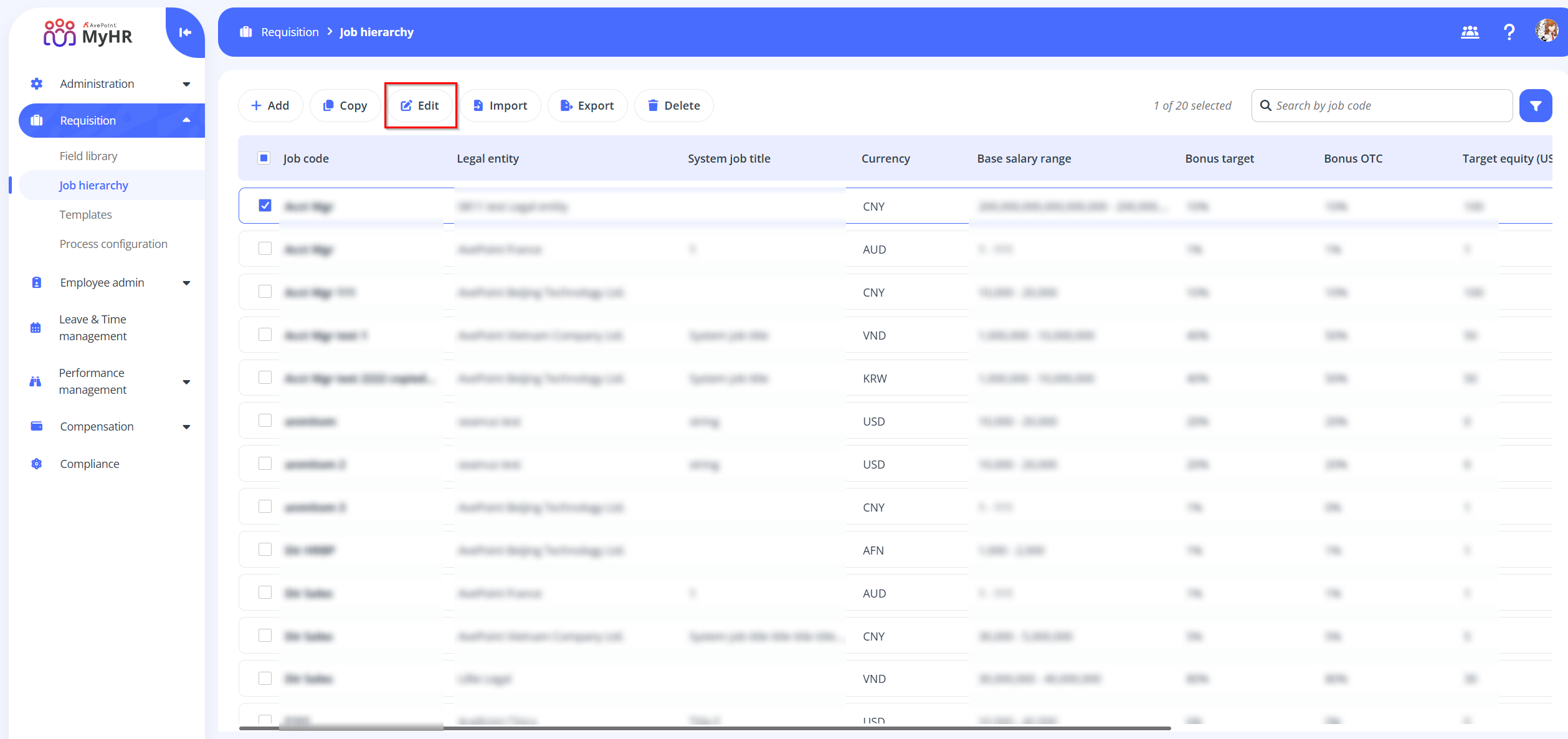
Edit – To edit a job, select the job and click Edit on the command bar.
-
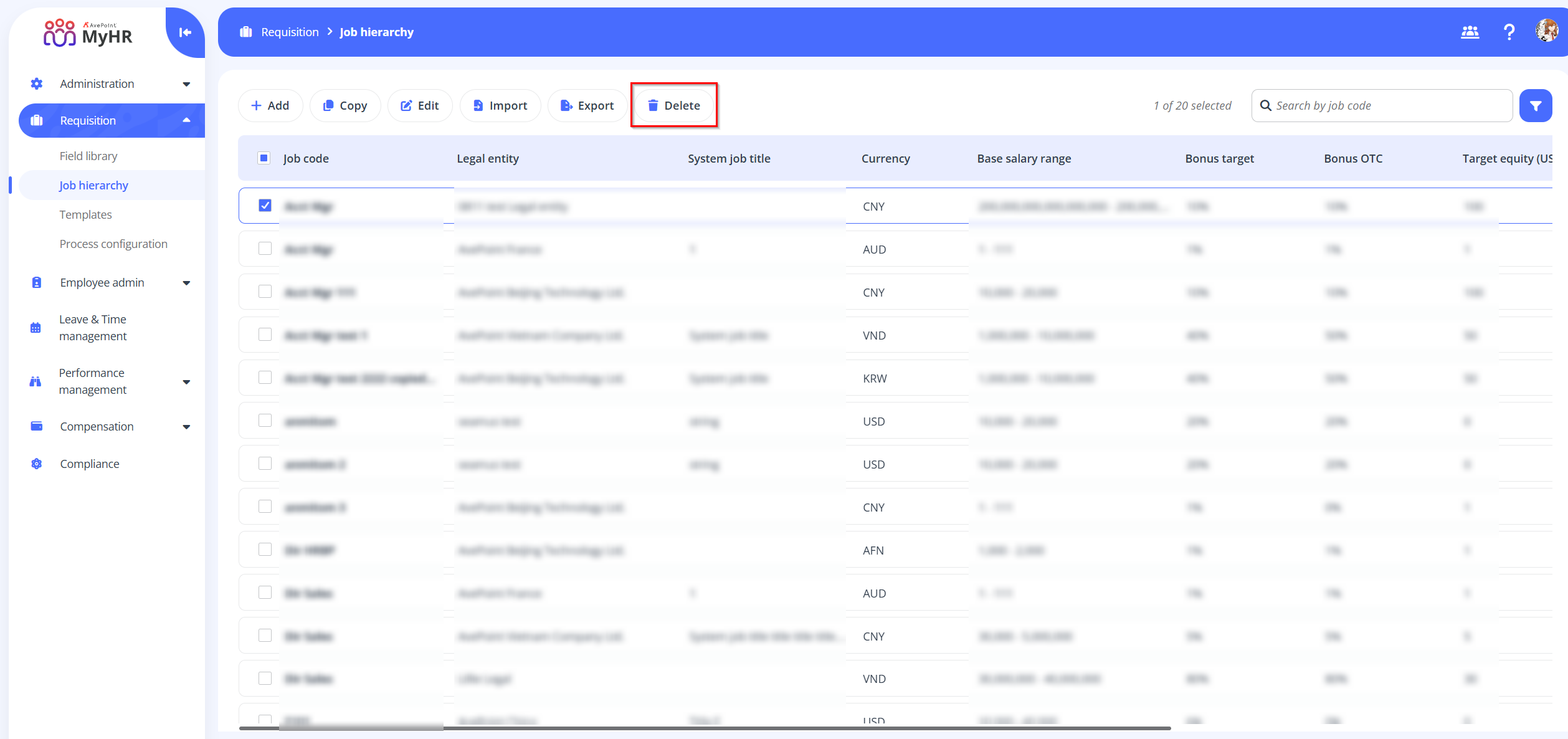
Delete – To delete a job, select the job and click Delete on the command bar.
-
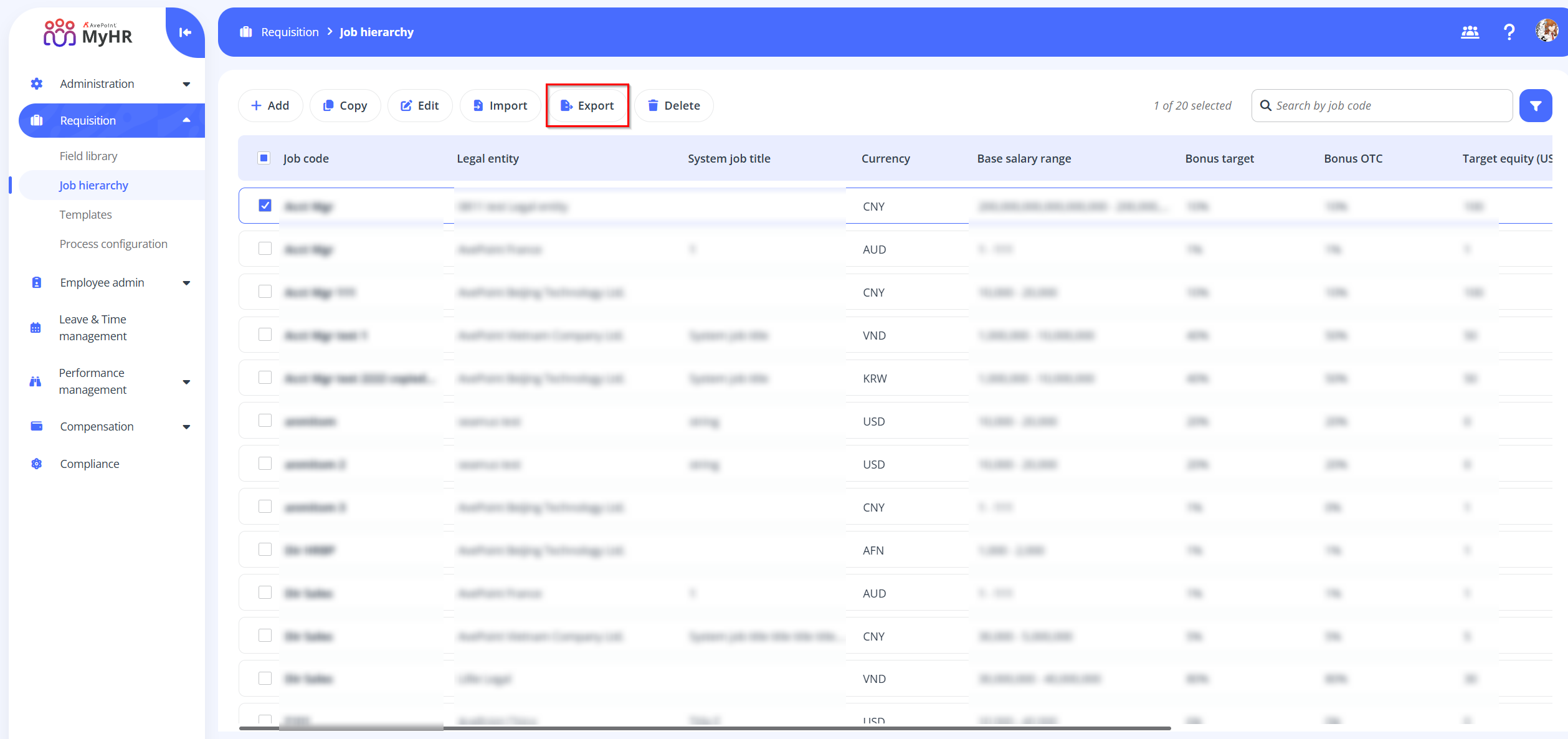
Export - To export jobs click Export on the command bar to export job lists.
ON THIS PAGE