
Home > Configuration Portal > Requisition Configuration > Manage Jobs > Copy a Job
Copy a Job
Follow the steps below to copy a job:
-
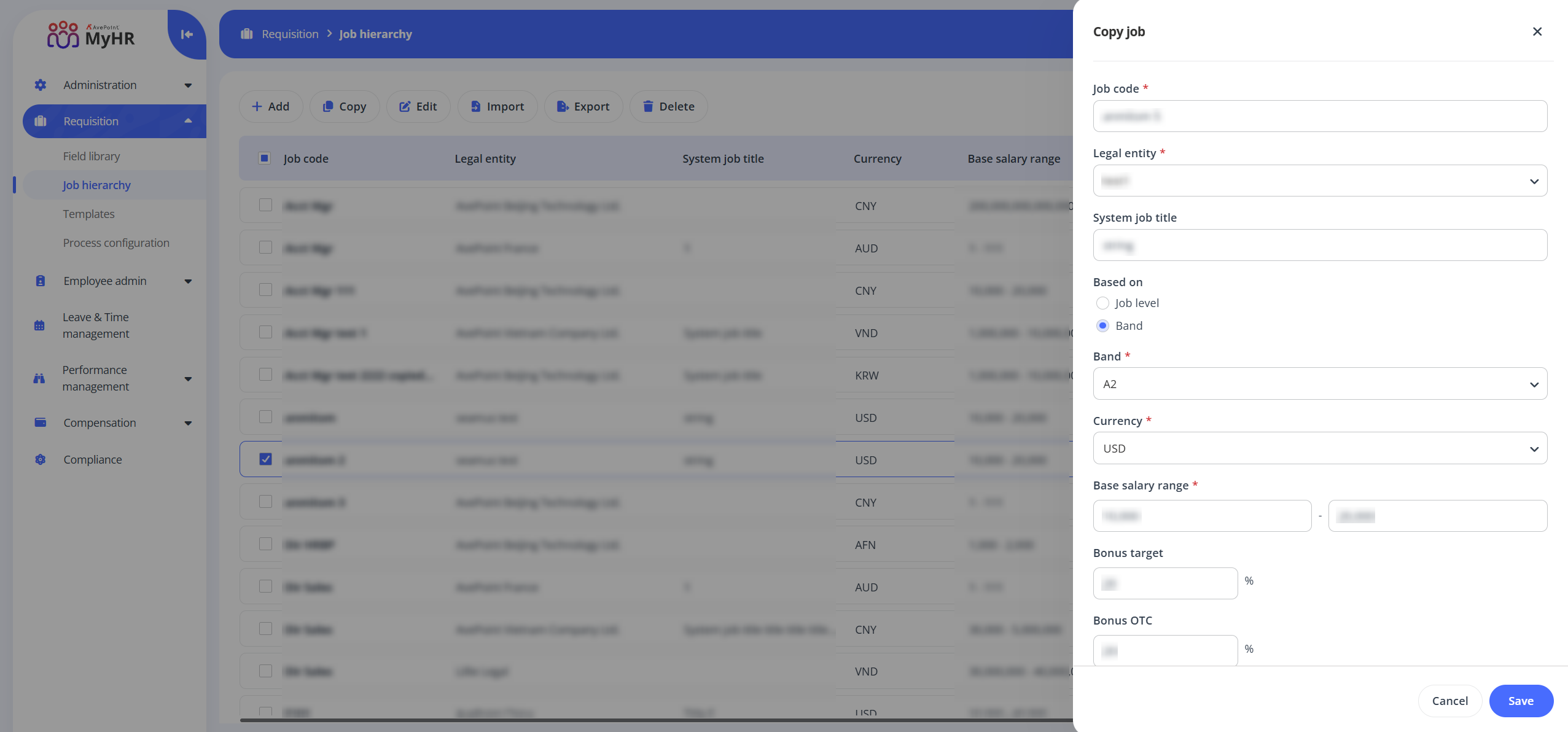
Select a job and click Copy on the command bar, or you can click the Copy button when hovering over it.
-
In the Copy job panel, edit the job information as required.
-
Click Save to save this job.
ON THIS PAGE