Home > Configuration Portal > Requisition Configuration > Manage Requisition Request Templates
Manage Requisition Request Templates
Requisition templates are essential tools for streamlining your hiring process and ensuring consistency across all job openings. With the Requisition Templates module, you can create, customize, and manage templates that define the structure and requirements for different types of job requisitions. This allows your organization to maintain standardized hiring workflows, capture relevant job information, and expedite the requisition approval process.
To create a new template, you can create from scratch or copy an existing template. For details, refer to:
For the existing templates, you can perform the following actions:
-
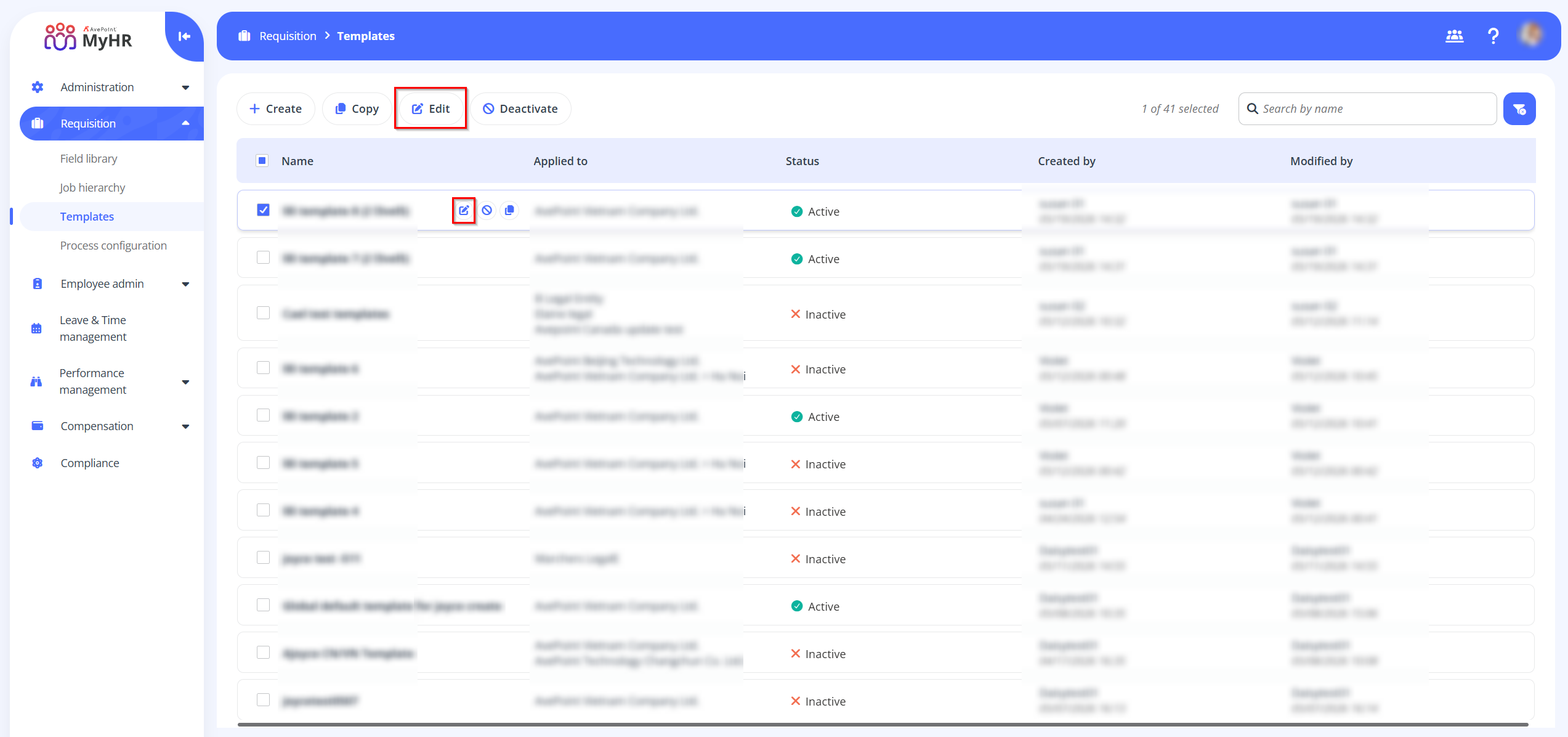
Edit – To edit a template, select the template and click Edit on the command bar or click the Edit button when hovering over it. You can also click the Edit button to edit a template when you are viewing the template details.
-
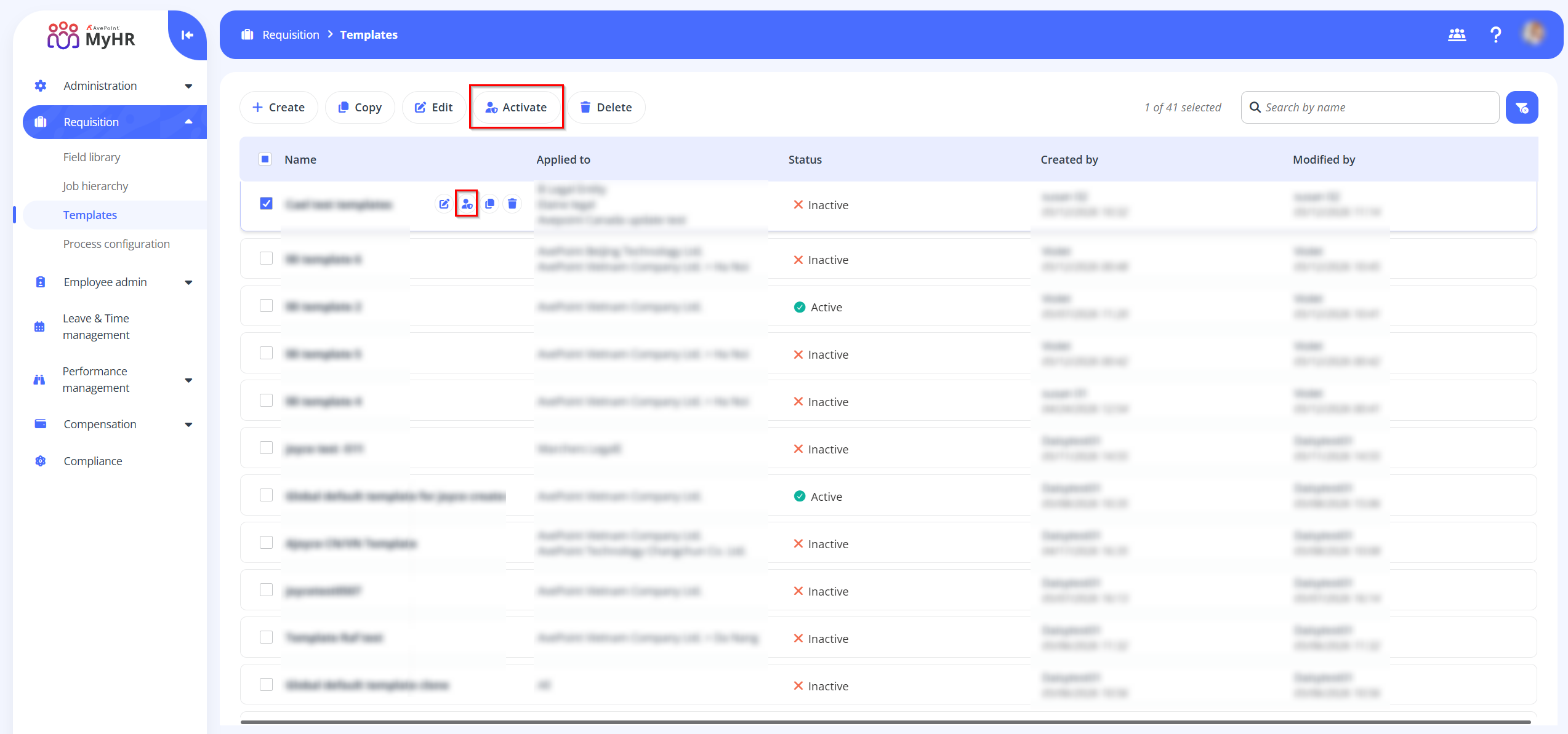
Activate - To activate an inactive template, select the template and click Activate.
-
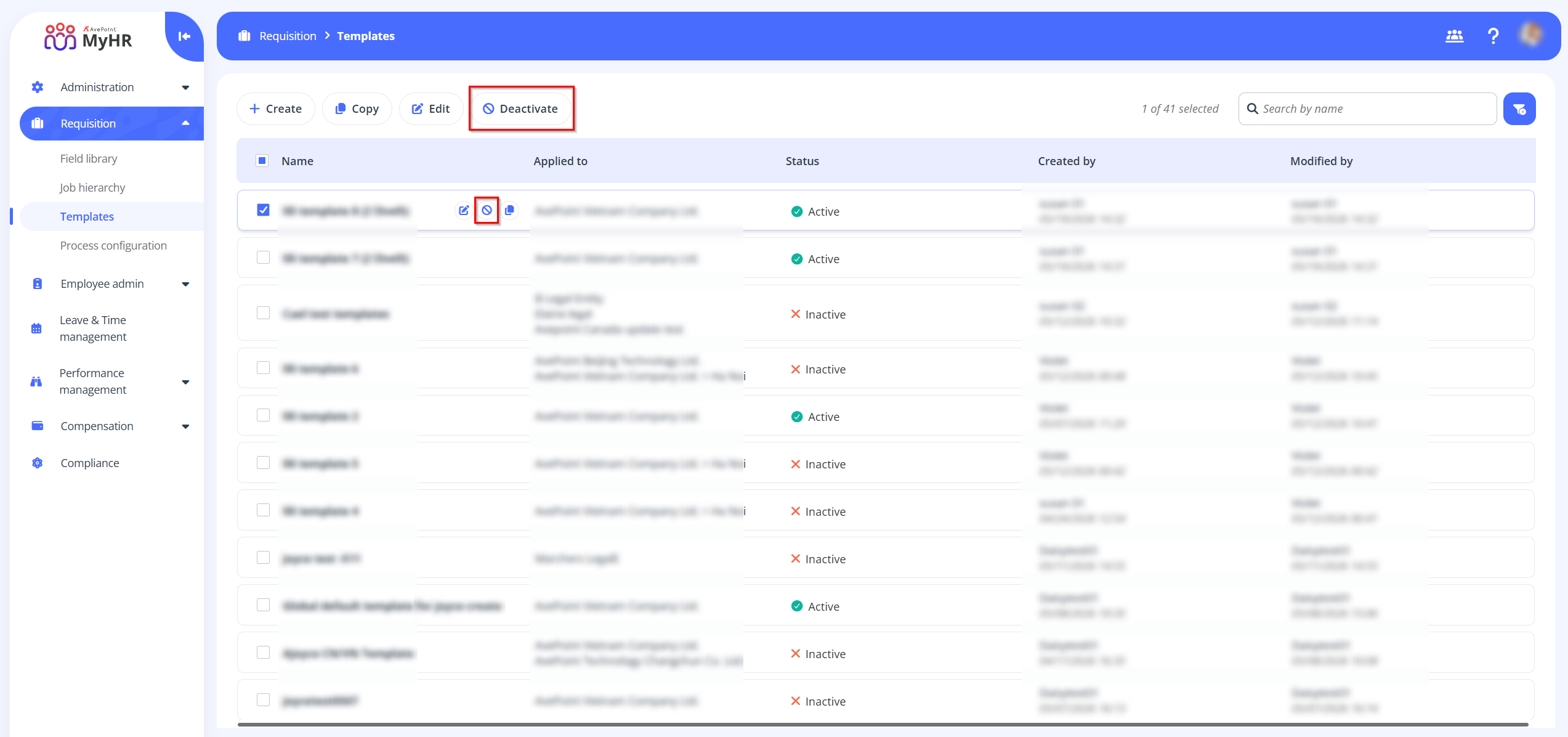
Deactivate - To deactivate an active template, select the template and click Deactivate.
-
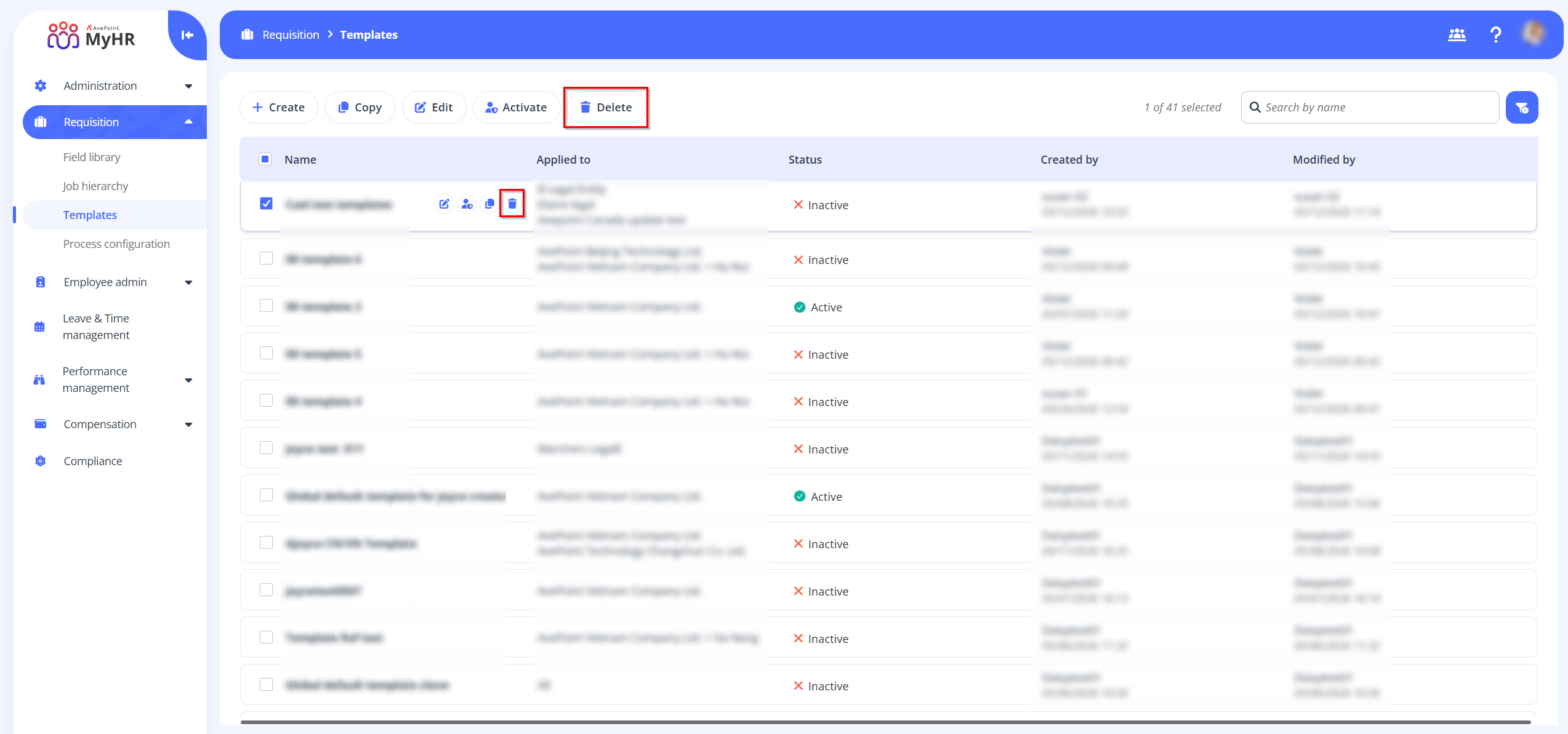
Delete – To delete a template, select the template and click Delete on the command bar.