
Home > Configuration Portal > Requisition Configuration > Manage Fields
Manage Fields
The requisition fields module helps you configure the fields used in requisition forms so teams can capture consistent, complete, and role-relevant hiring information.
You can manage system, built-in, and customized fields in requisitions to match the way your organization works, ensuring required information is always available and presented in the most useful way.
-
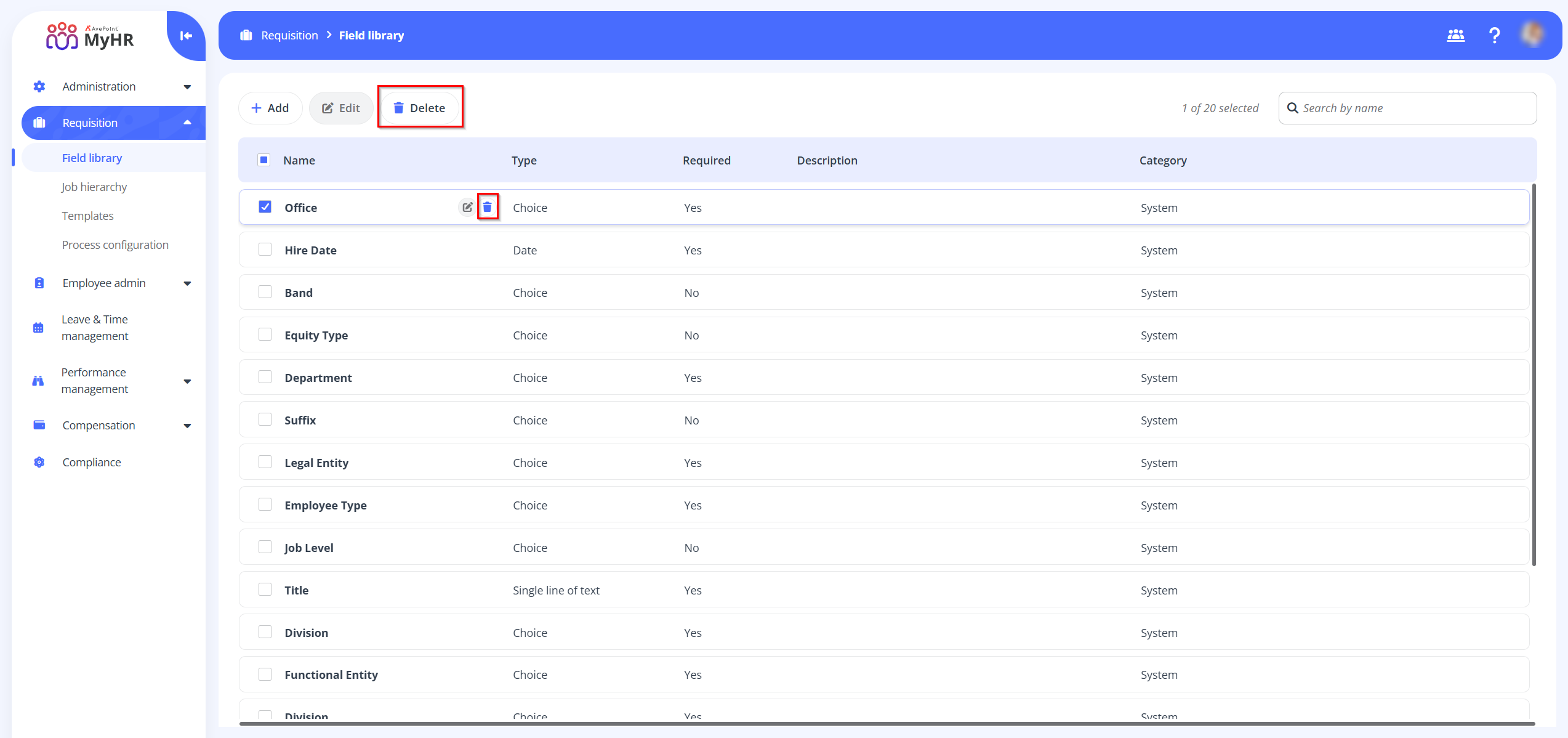
System fields - These fields are synchronized from the Employee admin > All fields section. You can edit the built-in fields. To edit a built-in field, select the field and click Edit on the command bar, or you can click the Edit button when hovering over it. You can also click the Edit button to edit a field when you are viewing the field details. Note that the category and field type cannot be changed.
-
Built-in fields - These are default fields included in the system, designed to support common use cases. You can delete system fields. To delete a system field, select the field and click Delete on the command bar, or you can click the Delete button when hovering over it.
-
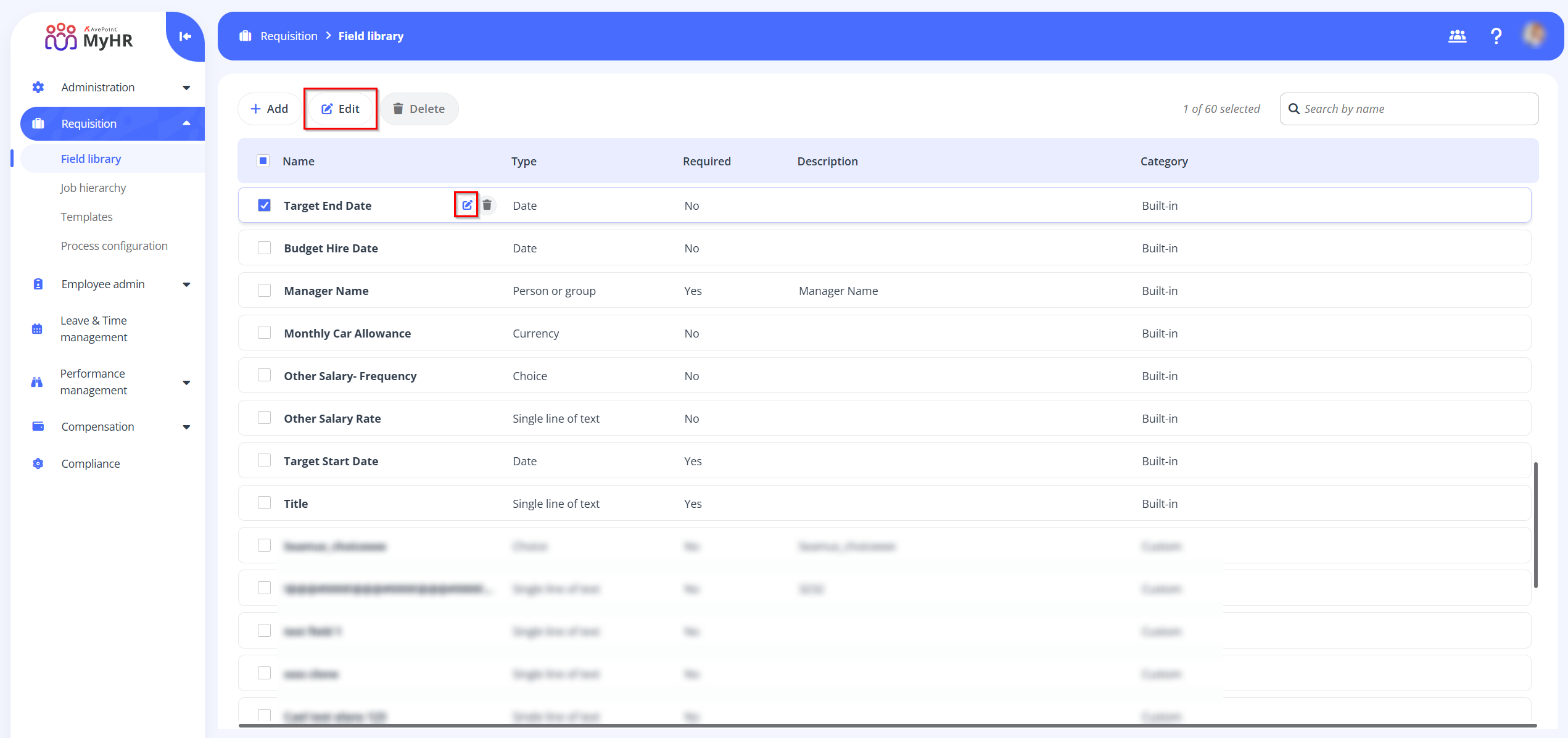
Built-in fields - These fields are synchronized from the Employee admin > All fields section. You can edit the built-in fields. To edit a built-in field, select the field and click Edit on the command bar, or you can click the Edit button when hovering over it. You can also click the Edit button to edit a field when you are viewing the field details. Note that the category and field type cannot be changed.
-
Customized fields - For greater flexibility, you can create and manage custom fields tailored to unique requirements. For the customized fields, you can perform the following actions:
-
Add - To add a new field, refer to Add a New Field.
-
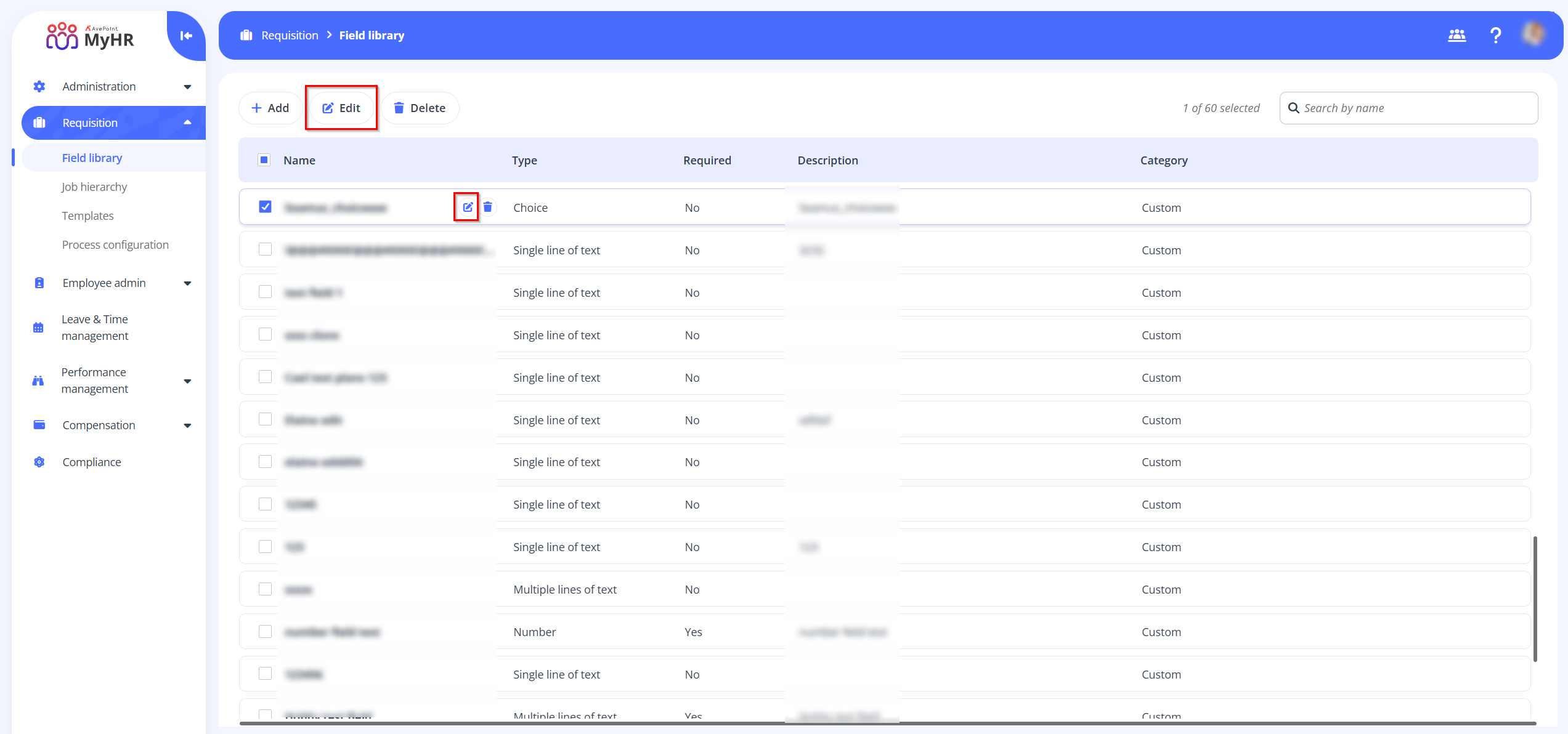
Edit - To edit a customized field, select the field and click Edit on the command bar, or you can click the Edit button when hovering over it. You can also click the Edit button to edit a field when you are viewing the field details. Note that the category and field type cannot be changed.
-
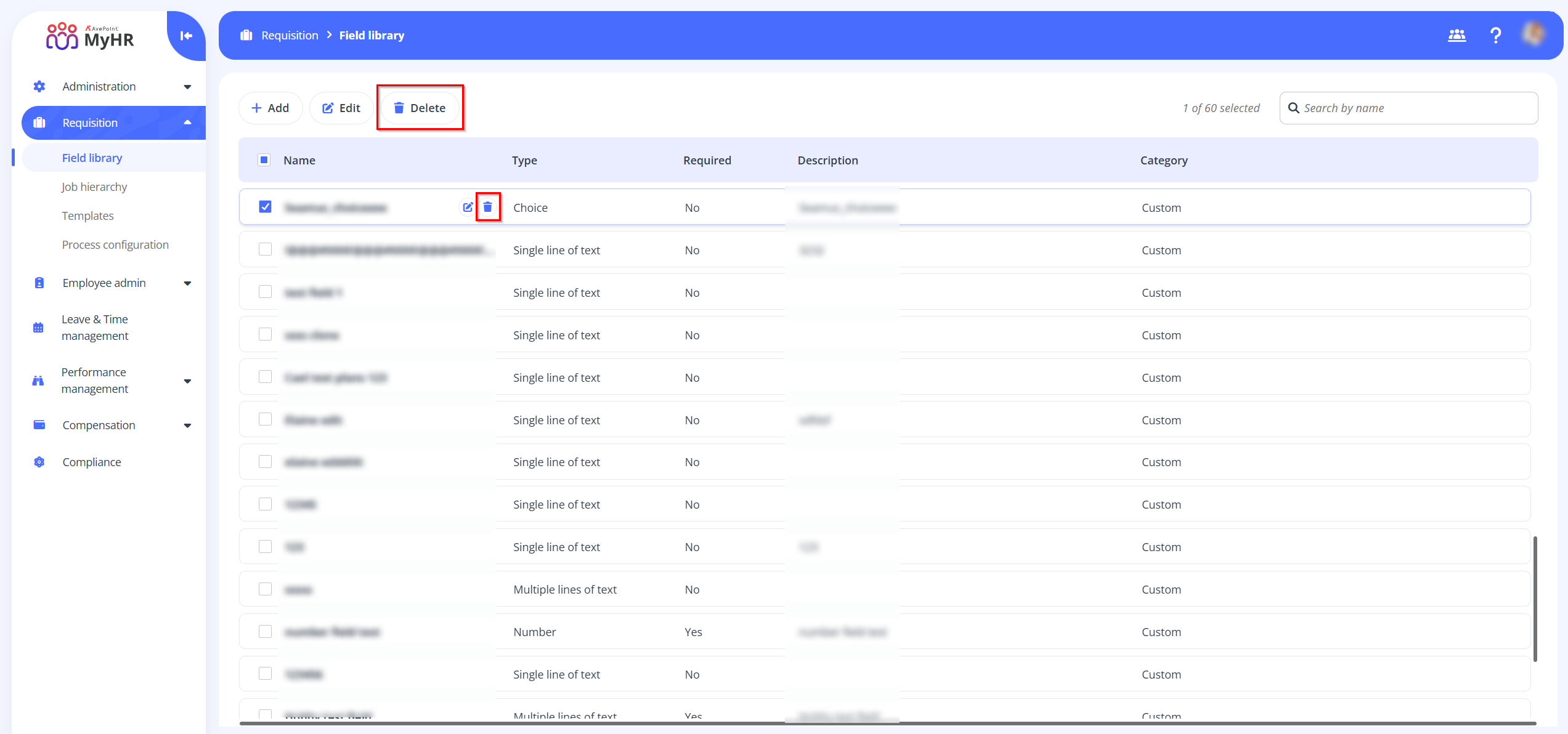
Delete -To delete a system field, select the field and click Delete on the command bar, or you can click the Delete button when hovering over it.
-