Role Based Access for tyGraph Pages Webpart
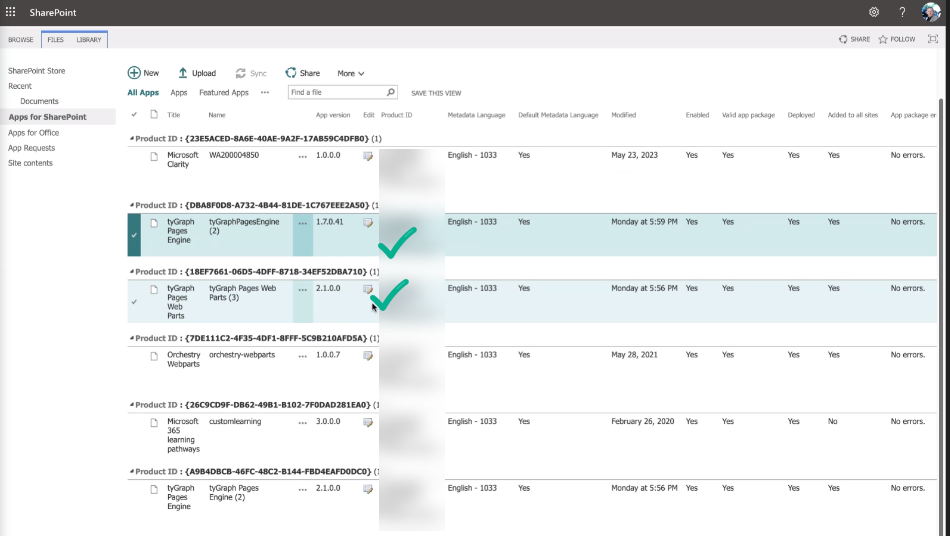
Step 1 - Validate Latest (AOS version of Webpart and Engine)
(2.0 or higher)
Step 2
If different install the latest by following this guide:
(avepoint.com)
Step 3
Add the webpart to any page as usual
Step 4
Any user who views the webpart must be added otherwise they will see nothing. Report bar will be shown to anyone.
Security Roles
Page Viewers (Tenant Viewer) Will see data for any page or site on the tenant. Hub Site Viewer Will see only pages for Hubs the webpart is deployed in. Site Viewer Will only see data for sites that the webpart is deployed in.